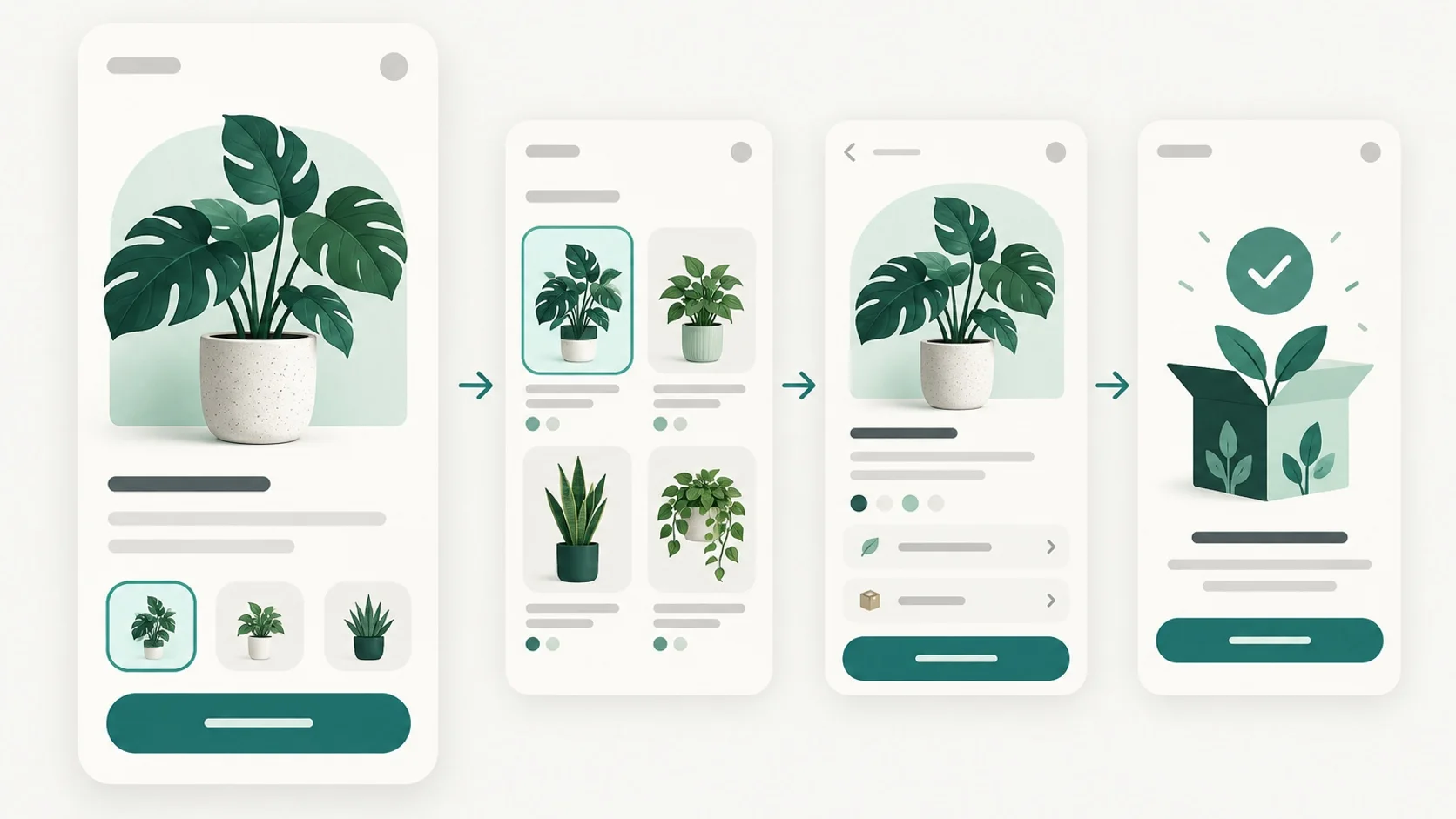
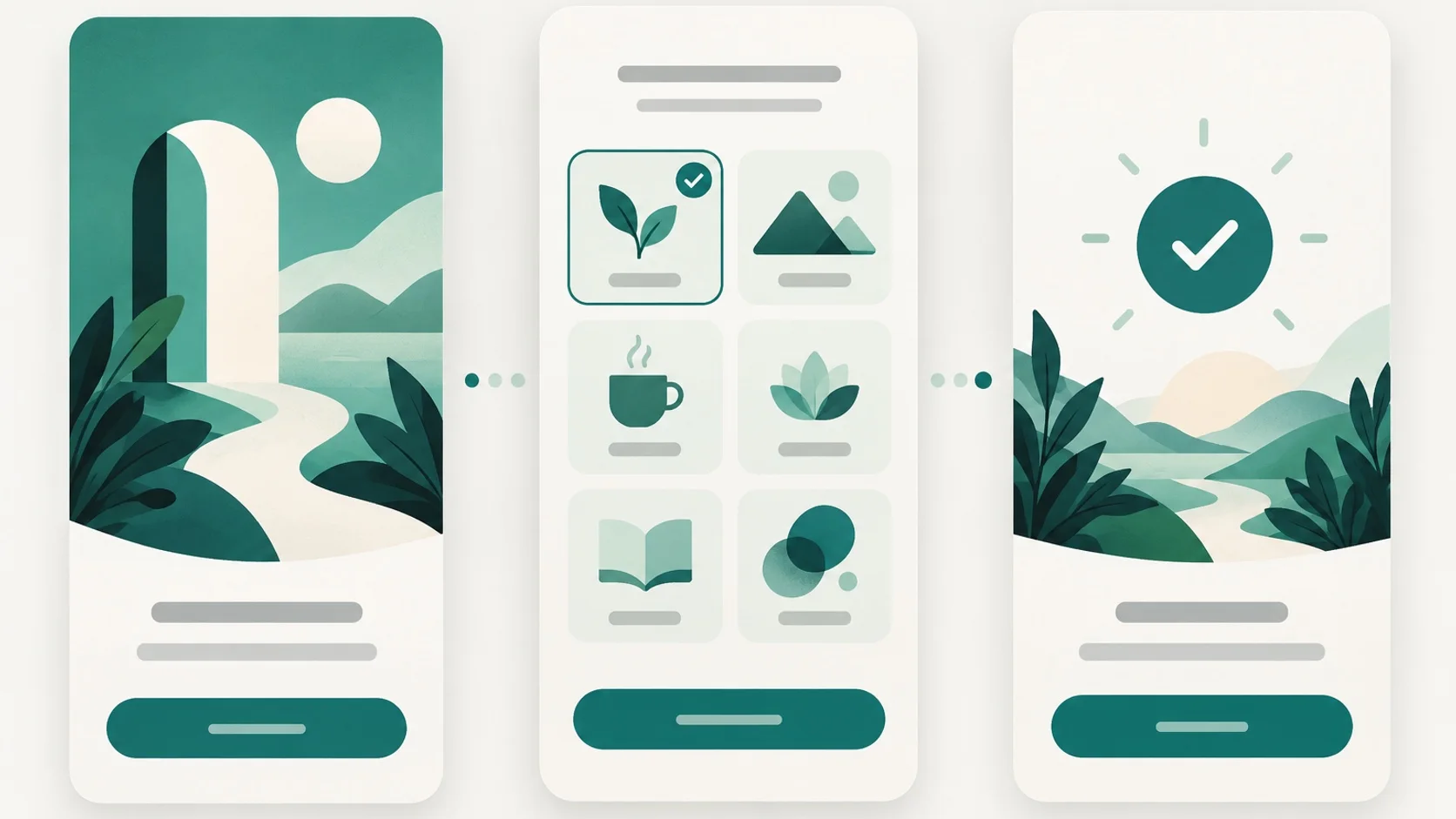
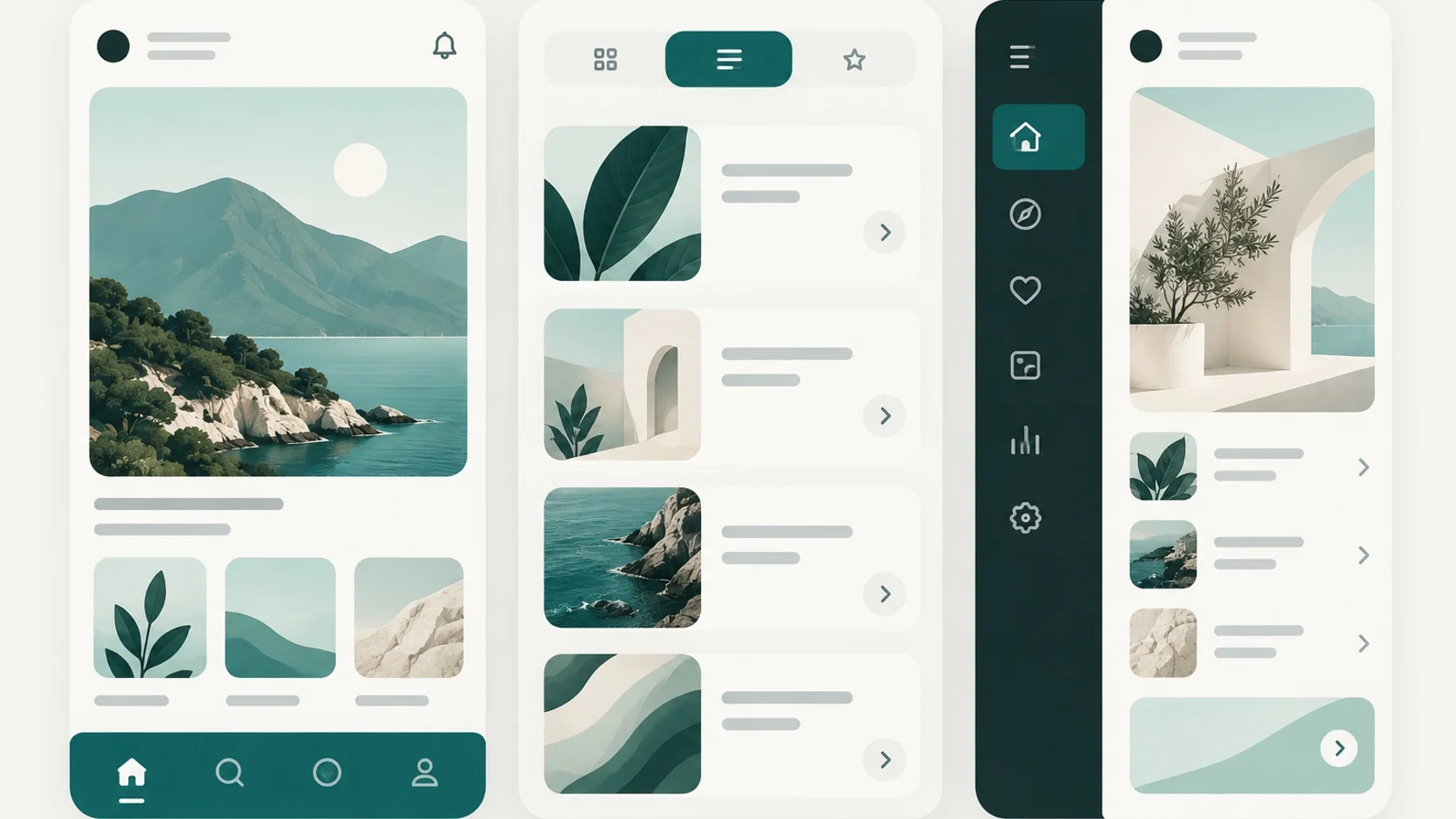
How to find mobile app UI inspiration and turn it into a design brief
A practical workflow for collecting mobile app UI references, studying complete screen sequences, and translating visual observations into an original, testable design brief.
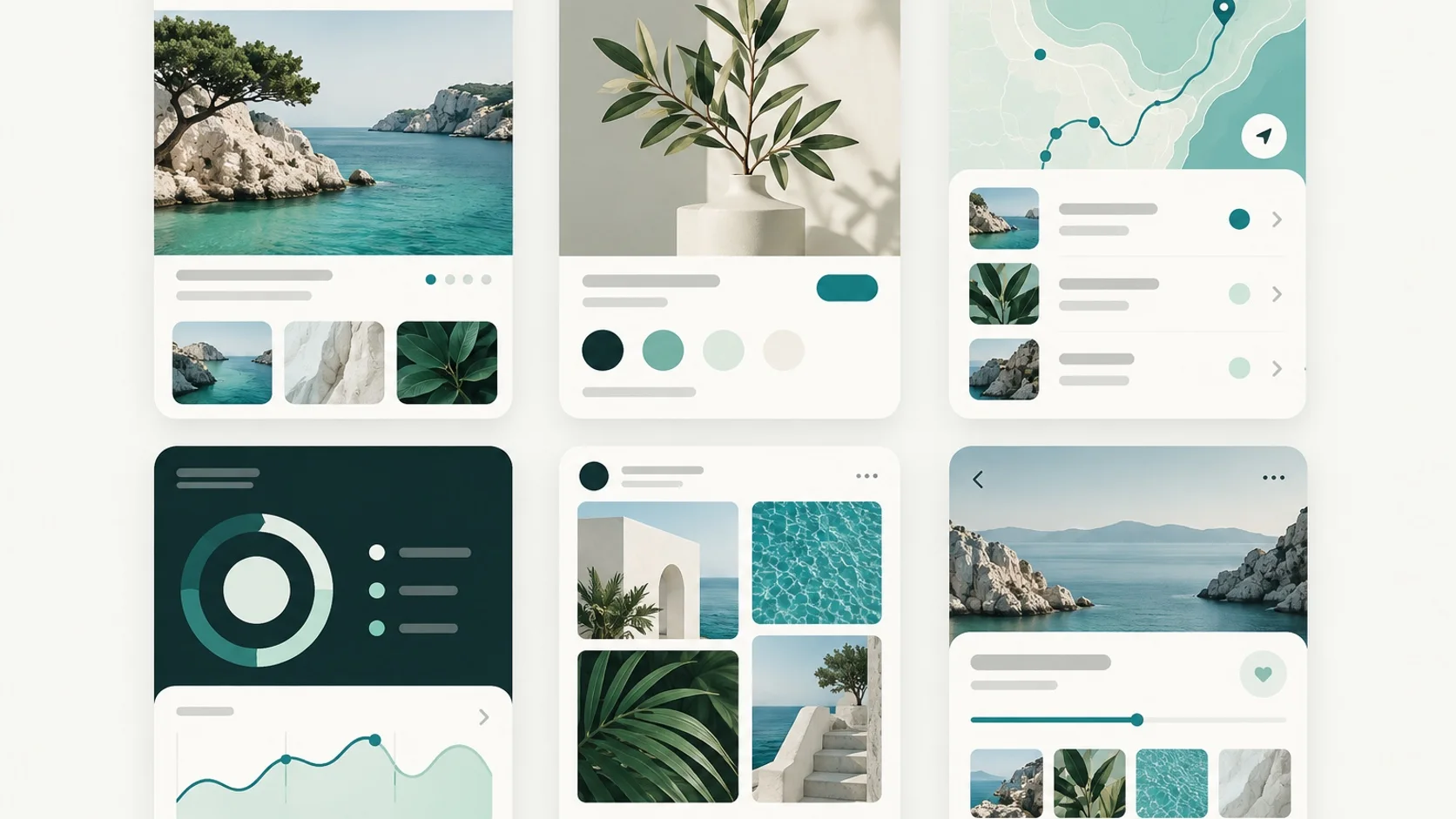
A folder full of attractive app screens is easy to collect and hard to use. Without a question to guide the search, visual references can pull a design toward imitation while leaving the actual user task unresolved.
Use screenshots as prompts for investigation. A useful workflow starts with a task, compares complete flows, records the decisions behind the visuals, and turns those observations into a brief you can prototype and evaluate.
Key takeaways
- Define the user, task, and design uncertainty before collecting references.
- Study screen sequences and interaction states, not isolated visual treatments.
- Write down transferable principles, then make original decisions for your product and validate them with people.
- Check accessibility and platform fit while the brief is still flexible.
1. Start with a design question
Before browsing, write one sentence about the person and the moment you are designing for. For example: “A first-time home cook needs to choose a weeknight recipe and understand what to do next.” Then name the uncertainty: is the hard part scanning choices, trusting a recommendation, or starting a multi-step recipe?
That question gives the search boundaries. Decide which platform, product area, and task matter. If you are exploring a first-use experience, browse onboarding examples; if the problem is plan selection, look at paywall screens; for data entry, compare form patterns. ScreenKits lets you browse real app screens by category. Save useful apps as browser bookmarks so you can return to their screens during synthesis.
- Who is the intended person, and what are they trying to accomplish?
- What design choice is uncertain: hierarchy, sequence, navigation, content, or feedback?
- What constraints matter, such as platform, accessibility, device size, or business rules?
2. Collect a small, purposeful reference set
Gather a handful of examples that address the same task or a closely related one. Include more than one approach: a direct path, a guided path, perhaps a version that handles an error or an empty state. For each candidate, save the app and note the screen or moment you want to revisit. A compact set makes comparison easier than an unfiltered inspiration board.
Look across categories when the underlying problem is shared. A scheduling app and a grocery app may both need to help someone choose a date and confirm a change. The useful connection is the decision structure, not the surface theme. Avoid treating a similar audience or industry as proof that its interface solves your specific problem.
- Choose references for a reason you can state, such as “shows how a selected option changes the summary.”
- Include different solutions so the first polished example does not become the default answer.
- Use browser bookmarks to keep selected apps available for comparison as you write the brief.
3. Read the flow, not just the screenshot
An isolated screen shows arrangement, color, text, and controls at one moment. It does not reveal what led there, what happens after a tap, or whether a task succeeds. Step through each relevant screen in order. Note the entry point, decision, action, feedback, and next state. Include alternatives such as validation errors, dismissals, and returning to edit a choice when those states affect the task.
Separate observation from interpretation. “The primary action stays near the bottom across three steps” is an observation; “this must be easier to use” is a claim you have not established. A screenshot can inspire a hypothesis, but it is not usability proof. NN/g describes prototyping and user testing as ways to identify potential usability problems and learn how people interact with a proposed interface.
| Record | Example from a recipe-selection flow |
|---|---|
| User goal | Choose a dinner recipe that fits tonight’s time. |
| Observed pattern | Time and dietary filters appear before the recipe list. |
| Possible principle | Put high-impact constraints before browsing results. |
| Open question | Do people know which filters are optional? |
| Product decision | Show two essential filters, with more choices available on demand. |
4. Translate observations into an original brief
Synthesis is where references become useful. Pull out a principle that can travel, such as “make the consequence of a selection visible before confirmation.” Then decide how that principle should work in your product, based on its task, content, and constraints. Do not copy a branded illustration, exact wording, or distinctive layout just because it appears in a compelling example.
For the recipe example, the reference set may suggest surfacing time early and previewing what a selected filter changes. The original brief can specify a short dinner-planning path, a visible time constraint, clear filter states, and a review step before saving. Those decisions respond to the product’s goal; they do not recreate another app’s screen.
- Audience and context: who needs this, and where or when will they use it?
- User goal and success: what should they be able to finish or understand?
- Flow: what are the main steps, decisions, and important alternate states?
- Design principles: what should the interface make clear or easy?
- Constraints and open questions: what must be true, and what needs research?
- Evaluation plan: what task will you give someone using the prototype, and what will you observe?
5. Prototype, check accessibility, and refine
Turn the brief into a rough wireflow before polishing the visual style. Prototype the key decision and its feedback, then ask someone representative of the intended audience to complete a realistic task. Watch for hesitation, unexpected choices, and errors. Revise the flow and repeat; NN/g’s research guidance treats iterative design and prototype evaluation as part of learning, rather than assuming a first draft is settled.
Run an accessibility review alongside that work. Apple’s Human Interface Guidelines emphasize perceivable, adaptable interactions and consideration for different input methods. Check text resizing, contrast, control size and spacing, clear labels, and whether meaning depends on color alone. Also check that the flow adapts to longer text and can be understood with assistive technologies. Material Design’s accessibility guidance is a useful companion when your product follows Android conventions.
- Give a task prompt, not a tour of the interface, and observe whether people can proceed.
- Test an early, low-detail version while structural changes are still easy.
- Review the platform guidance relevant to the device and design system you support.
- Return to the references only to investigate a question; do not let visual resemblance stand in for evidence.
Reference-to-brief checklist
Before handing off the brief, make sure it describes a product decision rather than a mood board. Someone who did not collect the references should be able to understand the intended task, the proposed flow, the choices still unresolved, and how the team plans to learn whether the design works.
- The original user and task are explicit.
- Every reference has a note explaining what question or pattern it helps explore.
- Observations are separated from assumptions and usability claims.
- The brief describes an original flow and product-specific rationale.
- Accessibility, platform behavior, and important alternate states are included.
- A prototype task and an observation-based review plan are defined.